Fields, Masters & Screens
Add business-specific fields, modify data-entry screens and expose the information your team actually needs while working.

102, Sishubagan, Raniganj
Dist.- Burdwan
Pin 713347 (W.B.)
+91 9531536407
info@asaptech.net
Extend TallyPrime with custom fields, reports, invoice and print formats, validations, workflow controls and automation using TDL-based solutions designed around your business process.
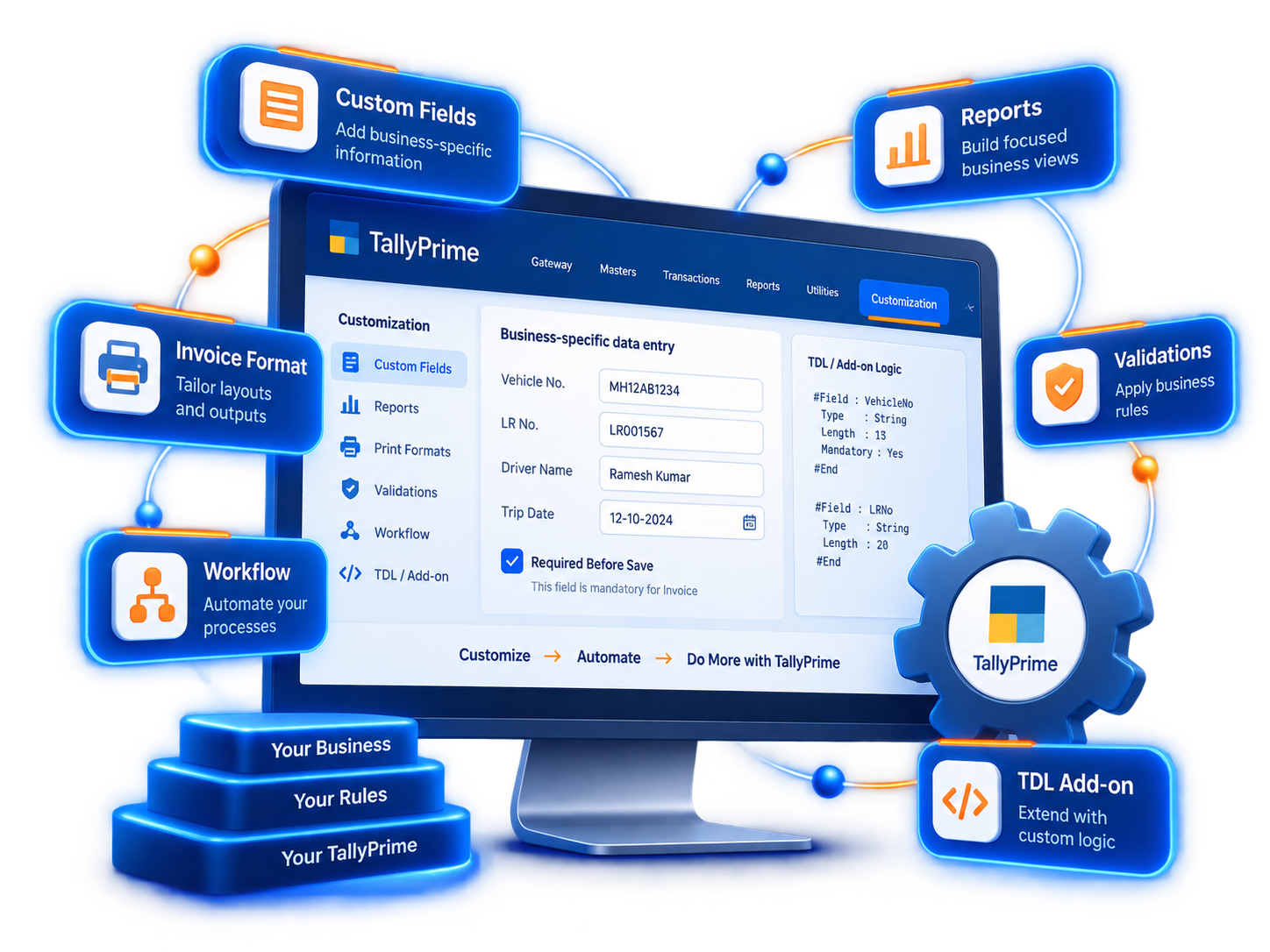
TallyPrime customization using TDL can extend screens, reports, printing, validations and business processes while keeping users inside the familiar Tally environment.
Add business-specific fields, modify data-entry screens and expose the information your team actually needs while working.
Create tabular, hierarchical or analysis-oriented reports built around management, operations or compliance requirements.
Tailor invoice layouts, fields, themes, watermarks and print outputs to match the business format and process.
Apply business rules during entry so users receive the right checks, restrictions and prompts at the right time.
Reduce repetitive steps by adding controlled actions and process logic around business transactions.
Deploy customisations locally or centrally according to the Tally environment and rollout requirement.
The best Tally customizations begin with the business workflow, not with a list of requested fields.
Study the current Tally workflow, users, pain points, reports and expected outcome.
Define the fields, screens, validations, reports or automation needed with minimal disruption.
Develop the TDL solution and test it against the intended TallyPrime workflow and sample data.
Roll out the customization, guide users and maintain compatibility as TallyPrime evolves.
Customization is useful when the standard product already fits most of the requirement, but your team needs specific information, controls, documents or business logic inside TallyPrime.
Not every requirement should become a TDL customization. ASAPTech can first identify whether the need is best solved through configuration, customization or a separate integration.
TDL can be used for requirements such as custom fields and screens, reports, invoice and print formats, validations, automation and more advanced business-specific solutions.
Yes. TDL supports report customization and creation, including different report layouts and data views designed around business requirements.
Some customized reports can be configured for browser access when they follow supported TallyPrime report patterns and are added to the appropriate custom browser report collection.
TallyPrime supports multiple deployment approaches, including local TDL and centrally managed account TDL scenarios. The appropriate method depends on the environment and rollout plan.
Short answers for businesses evaluating whether a Tally requirement needs configuration, TDL customization or a connected application.
Tally can be customized for invoice formats, reports, data-entry screens, validations, controls, voucher behavior, print formats, automated calculations and business-specific workflows using TDL and related integration techniques.
TDL is a good fit when the requirement belongs directly inside the Tally user experience, such as fields, reports, voucher controls or print behavior. A separate application is often better when the requirement needs external databases, background processing, large imports or third-party APIs.
Yes. A well-designed customization should preserve existing accounting behavior and change only the required workflow, with testing around vouchers, masters, reports and print output before rollout.
Yes. TDL can work together with XML, HTTP or companion applications so Tally can participate in broader ERP, CRM, document, ecommerce and automation workflows.
